 Fast
FastSmaller files. Cleaner paths.
No quality trade-off.
Every SVGFast result is rendered back to a bitmap and scored against the source image. Here's how it stacks up against popular tracers on a fixed set of real logos and illustrations.
5.2×
smaller output than VTracer across the test set
~98%
average rendered fidelity to the source
3.7
avg paths per file (vs 101 for VTracer)
$0
cost, no account, no upload required
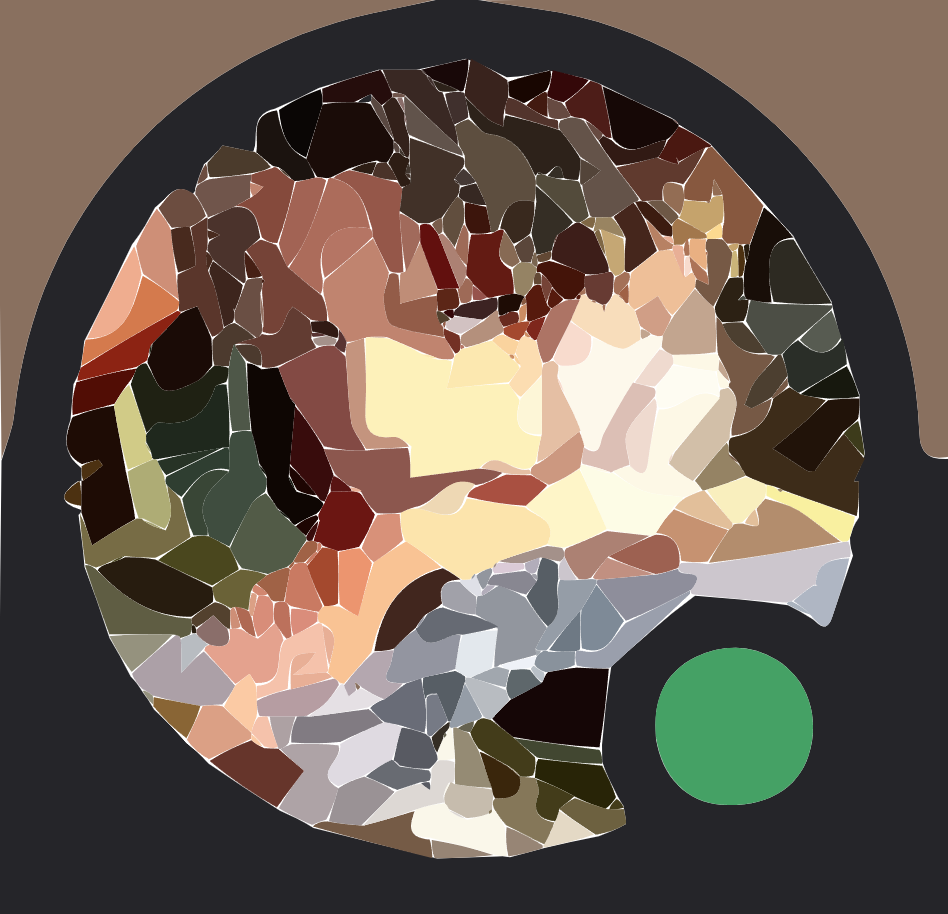
The same avatar, compared
A Discord profile photo traced by each tool. SVGFast keeps facial detail and the status ring clean without turning the image into noisy shards.

43 KB raster

rendered output
rendered output

rendered output

rendered output
Output file size by tool
Smaller bar = smaller SVG on a representative icon from the benchmark corpus.
Full corpus results
Six representative images across logos, illustrations and text. Fidelity is the rendered-back match to the source (higher is better); paths is the number of vector paths in the output.
Swipe horizontally to see all columns
| Image | Tool | Size | Paths | Fidelity |
|---|---|---|---|---|
| Reddit Snoo flat logo | SVGFast | 16.2 KB | 1 | 99.4% |
| VTracer | 45.7 KB | 34 | 98.8% | |
| Adobe | 8.9 KB | — | 97.0% | |
| Tux penguin soft illustration | SVGFast | 25.8 KB | 2 | 97.8% |
| VTracer | 290.9 KB | 388 | 97.7% | |
| Pink Belly mascot gradient illustration | SVGFast | 23.0 KB | 6 | 99.2% |
| VTracer | 45.9 KB | 11 | 99.0% | |
| Adobe | 11.6 KB | — | 98.2% | |
| Pink Belly wordmark text + gradient | SVGFast | 18.4 KB | 6 | 97.6% |
| VTracer | 80.7 KB | 79 | 92.8% | |
| Pink Belly name text logo | SVGFast | 13.6 KB | 2 | 96.7% |
| VTracer | 52.8 KB | 19 | 96.4% | |
| Adobe | 12.7 KB | — | 93.5% | |
| RootToRise monogram fine-detail mark | SVGFast | 16.8 KB | 5 | 97.5% |
| VTracer | 77.4 KB | 75 | 97.8% |
Adobe rows embed a raster preview inside the SVG, so a path count isn't comparable. On the RootToRise mark VTracer edges fidelity by 0.3 points, but at 4.6× the file size and 15× the path count.
How we measure
Vector quality is easy to game with one cherry-picked image, so SVGFast scores every result the same way:
- Trace. Each tool converts the same source PNG with its default or recommended settings.
- Re-render. The output SVG is rasterized back to a bitmap at the source resolution.
- Score. That render is compared to the original to produce a fidelity score, alongside the final byte size and path count.
Numbers above come directly from the project's evaluation harness on a fixed corpus. Your results will vary with image complexity — busy photos vectorize less cleanly than logos for every tool.